Step by step
Get MyPA
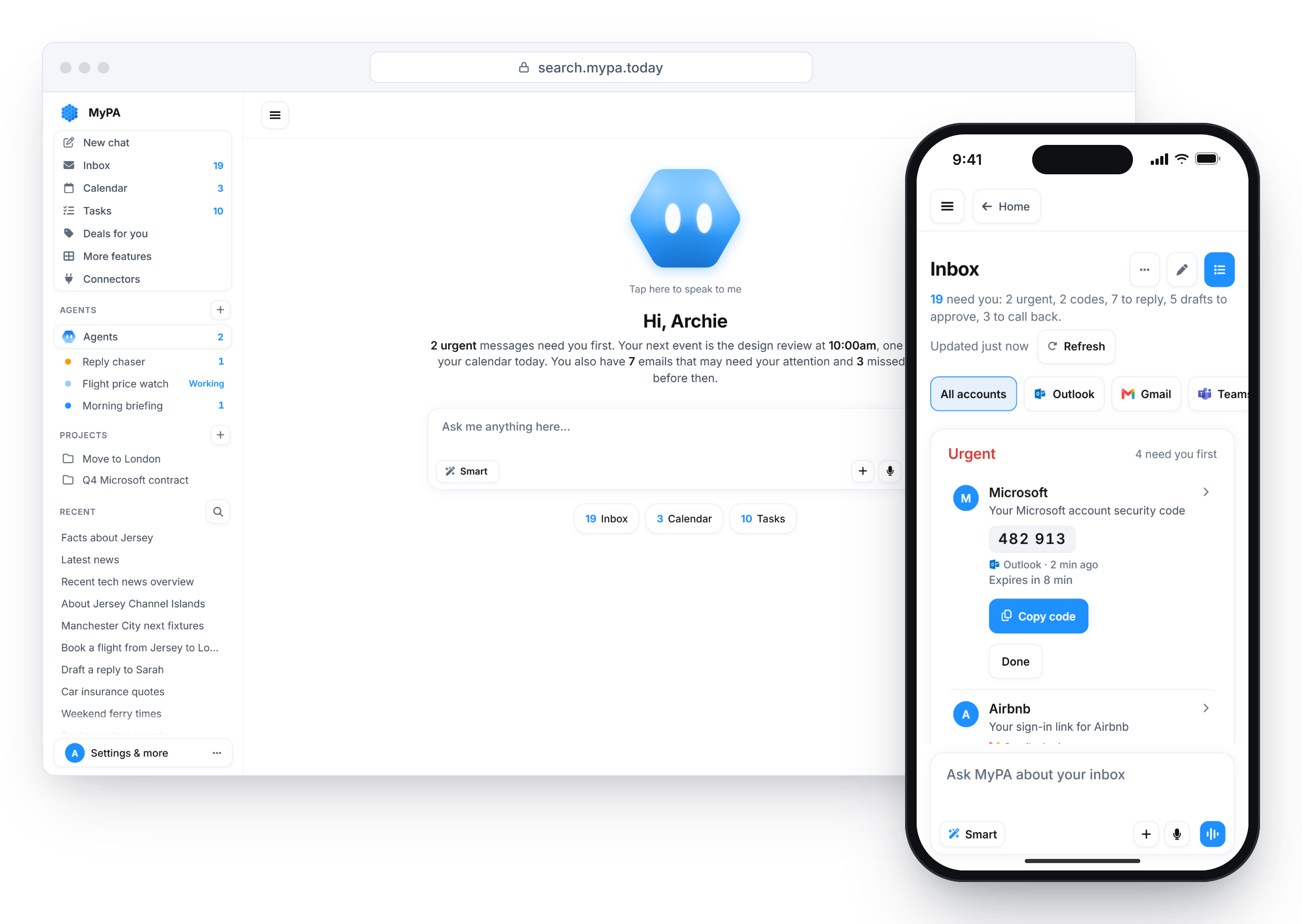
Download MyPA from the App Store or Google Play, or open search.mypa.today in any browser. One account works on all three, with the same memory everywhere.
Sign in with your email
Enter your email address and MyPA sends you a secure sign-in link, so there is no password to remember. If it has not arrived after a few minutes, check your spam folder.
Ask in plain words
Type or say what you need, the way you would ask a friend: "What's on tomorrow?" or "Remind me to call Sam at 5". Smart Mode picks the right AI for each request.
Connect your email and calendar if you like
Open Connections and choose Gmail or Outlook. Every connection is opt in, and you can disconnect it at any time.
Approve before anything happens
Anything that sends, switches or pays shows up in the chat for your approval first. For replies, you choose per contact whether MyPA drafts, replies for you or leaves it to you.
Good to know
Tokens, not a subscription. Each request uses tokens from your balance. When you need more, top up with a one-off purchase.
Message MyPA on WhatsApp or Telegram. Set it up from the app's settings. MyPA only sees what you send it there, never your other chats.
Quick answers
Is MyPA free?
It is free to download and you start with 200 free tokens. After that you top up with a one-off purchase, with no subscription.
Do I need a separate account for each device?
No. One account works on iPhone, Android and the web, so you can start on your phone and pick it up at your desk.
Does MyPA do anything without asking me?
No. Anything that sends, switches or pays waits for your approval in the chat, and replies follow the rule you set for each contact.